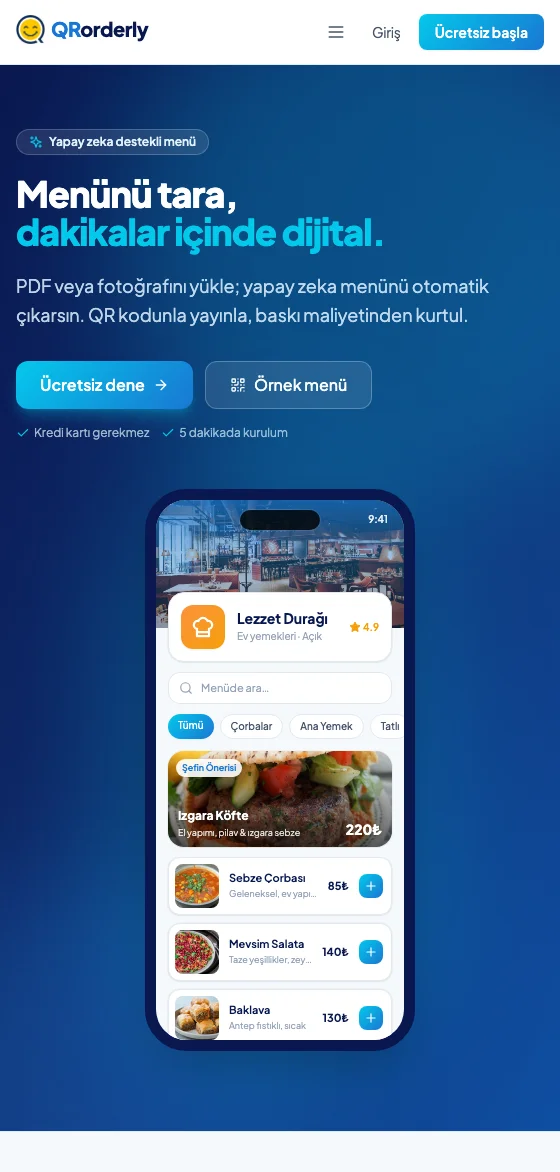
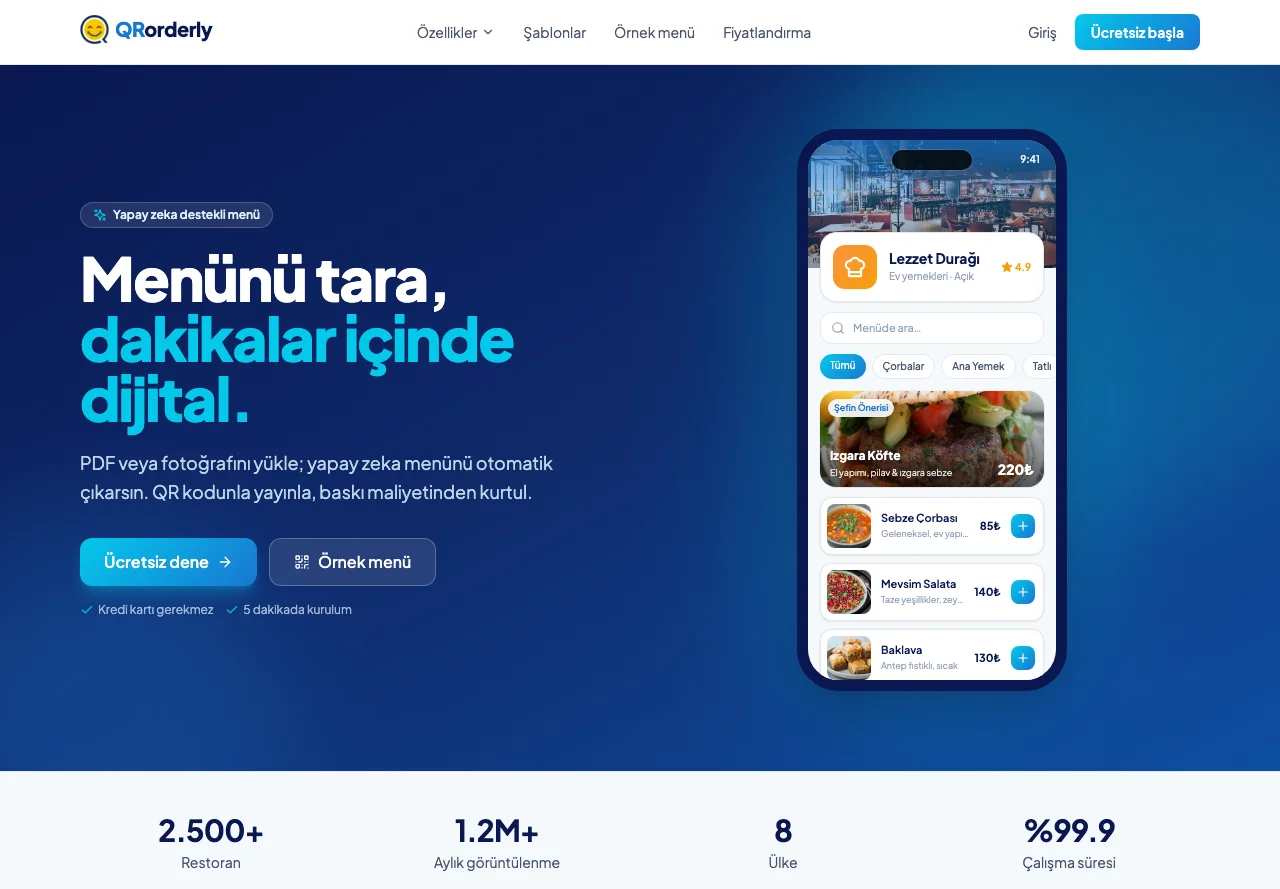
QRorderly: a QR menu and subscription platform that builds menus with AI
QRorderly is a QR menu platform built by dotCREA. Where a café gets stuck moving to a digital menu is the menu itself: they have a PDF, or a photo of the printed menu on the table, and they have to enter every item by hand. The core of the product removes that step: you upload the file, Gemini Flash extracts the categories, items and prices, and the menu arrives in the panel ready to edit. On top of that sits a full SaaS: plan limits, a 14-day trial, and payments and subscription management through PayTR.
The problem we solved
- QR menu products resemble one another; what makes the difference is how long it takes to get the menu into the system.
- A small business has no structured data: it has a PDF, a Word file, or a phone photo of the printed menu.
- Entering items one by one is why most businesses give up on a digital menu on day one.
- In a subscription model, collection is specific to Turkey: local cards, instalments and a 3D Secure flow are required.
- Plan limits have to hold everywhere in the product: the same rule must apply in the panel, in the menu and in QR generation.
Our goal
- Cut the time from file to published menu down to minutes.
- Build the AI as the product's first step rather than a demo: it should be testable without signing up.
- Tie subscriptions, trial periods and plan limits to a single rule set.
- Run collection through PayTR with monthly and annual options.
- Let a business manage everything from menu to orders in one panel.
AI menu extraction
- The menu file (PDF, JPG, PNG or WEBP) is passed to Gemini Flash, which returns category headings, item names, descriptions and prices as structured data.
- Gemini Flash was chosen for its balance of speed and cost: the user is waiting on the upload screen, and extraction has to come back in seconds.
- The result is not published directly; it opens in the panel as an editable draft that the business approves and publishes.
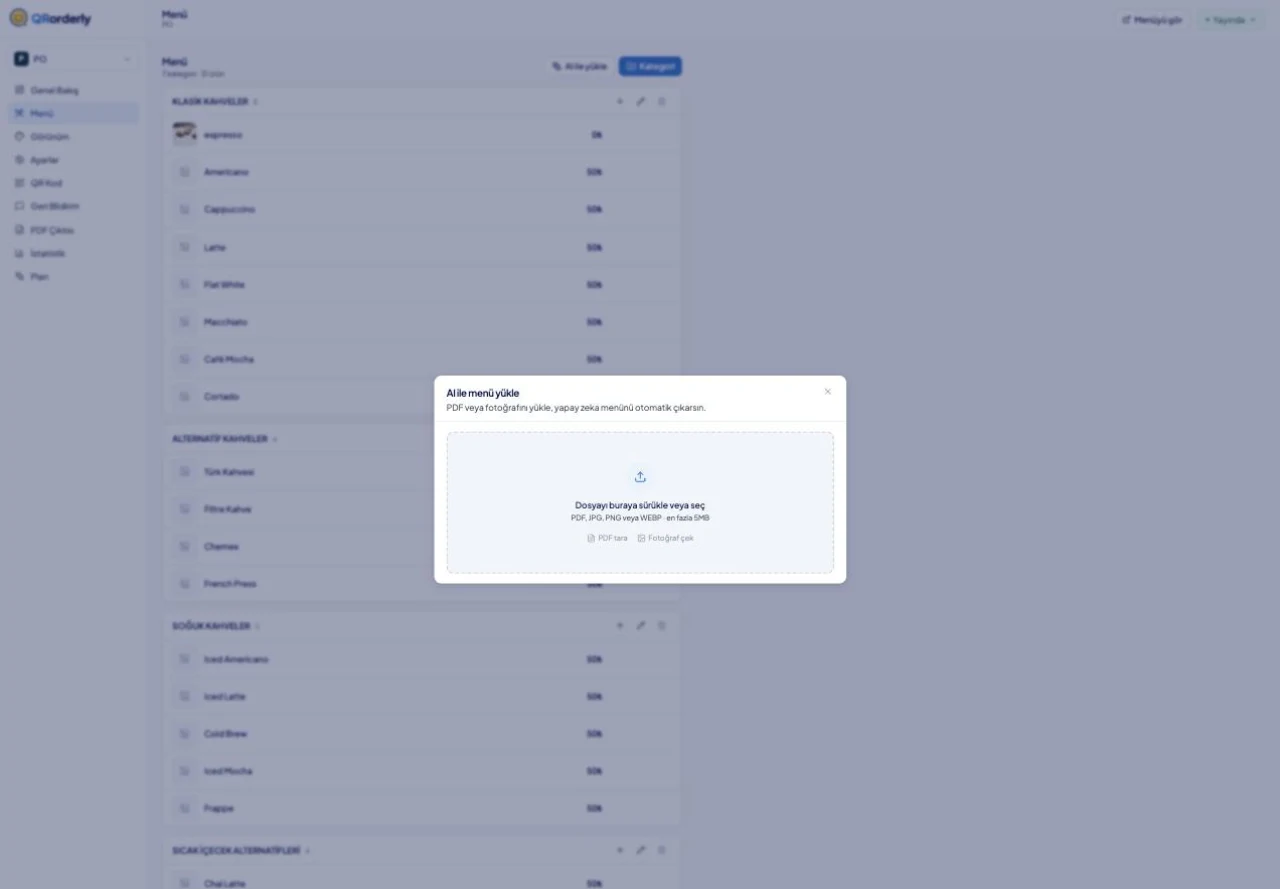
- The panel's “upload with AI” flow works with file drag-and-drop, PDF scanning and taking a photo directly; file size is capped to keep cost predictable.
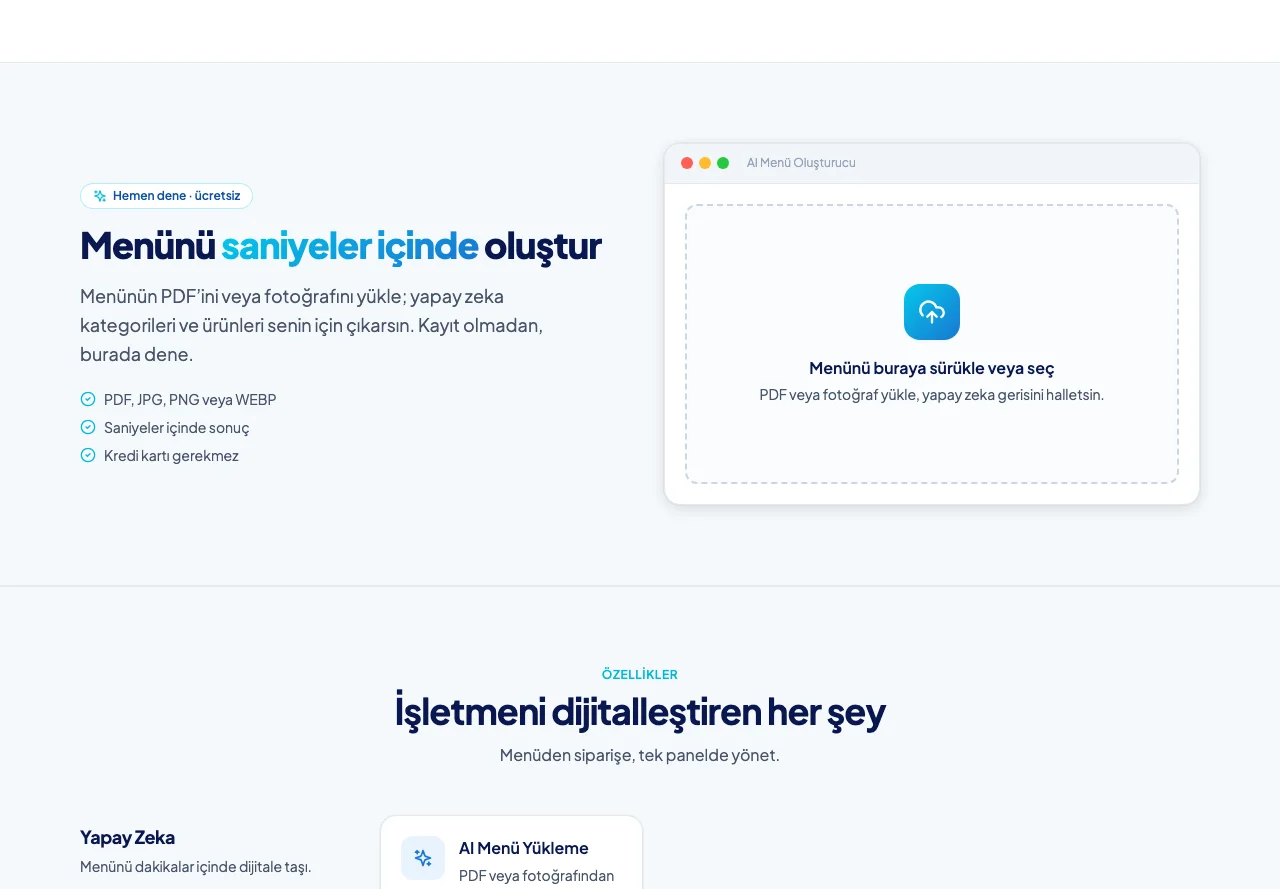
- The same extraction can be tried on the marketing site without signing up: a visitor uploads their own menu and sees the result, understanding the product's value before trying it.
Subscriptions and payments — PayTR
- Three plans were built: Free, Pro and Plus. Each is defined by business count, item and category limits, menu languages and the number of table QR codes.
- Payment is taken through PayTR; local cards, instalments and the 3D Secure flow work the way a business is used to.
- Monthly and annual billing are offered together, with the annual discount shown directly on the price card.
- The 14-day trial starts without card details; the panel shows a countdown of days left, and when the trial ends the account drops to Free with the data preserved.
- The Plan & Subscription screen in the panel shows the current plan, a plan comparison and payment history with statuses.
- Plan limits are managed from one place; when a limit is reached the user is not blocked but routed towards an upgrade.
Menu, theme and branding
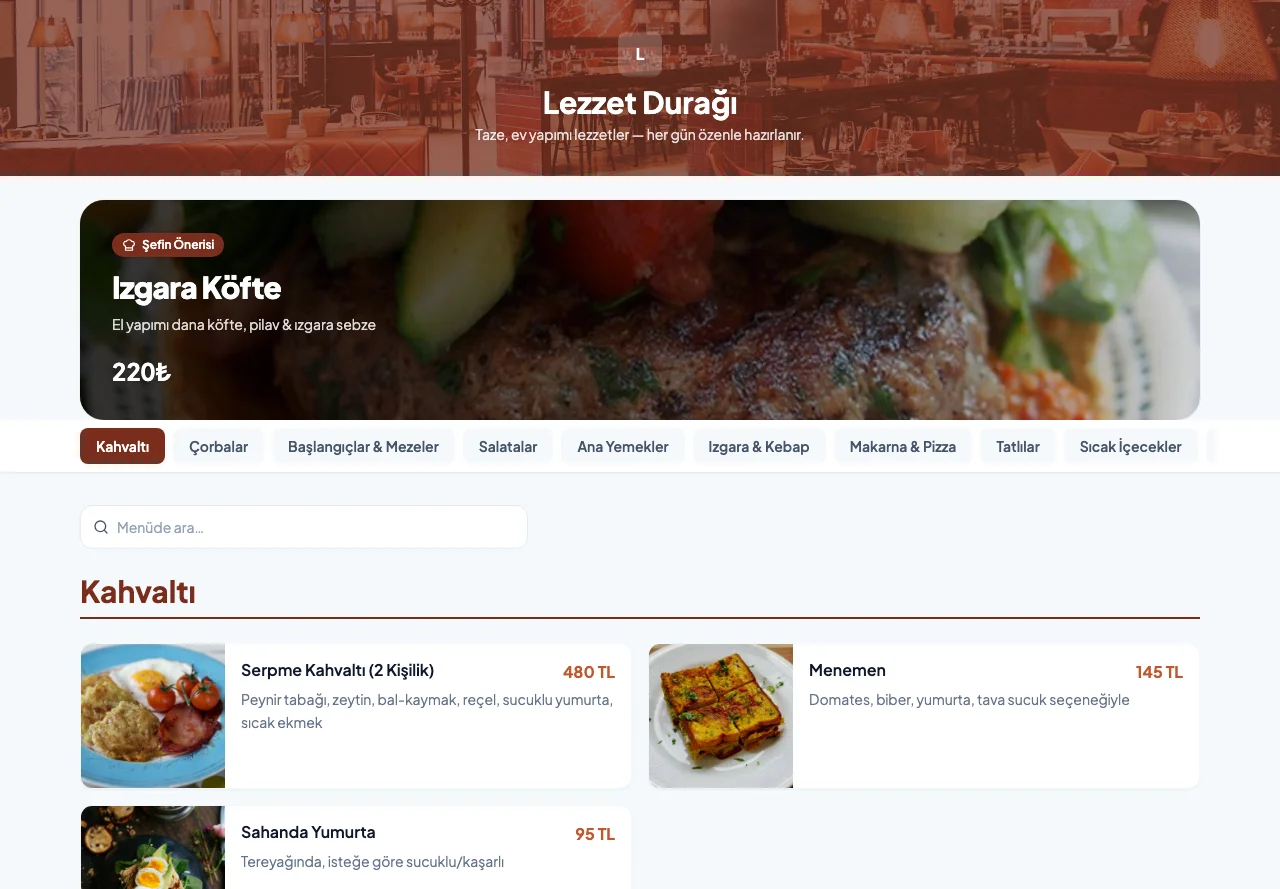
- Ready-made themes by business type: colour, cover and layout come prepared for cafés, restaurants, pizza places, kebab houses, bars and patisseries.
- Brand customisation: logo, colour palette, cover image and hero layout are tuned to the business's own identity.
- Multi-language support up to five languages depending on plan; for tourist-heavy businesses the menu is duplicated from one panel.
- Sold-out handling hides an item without deleting it; a price change goes live in one click, with no waiting on a printed menu.
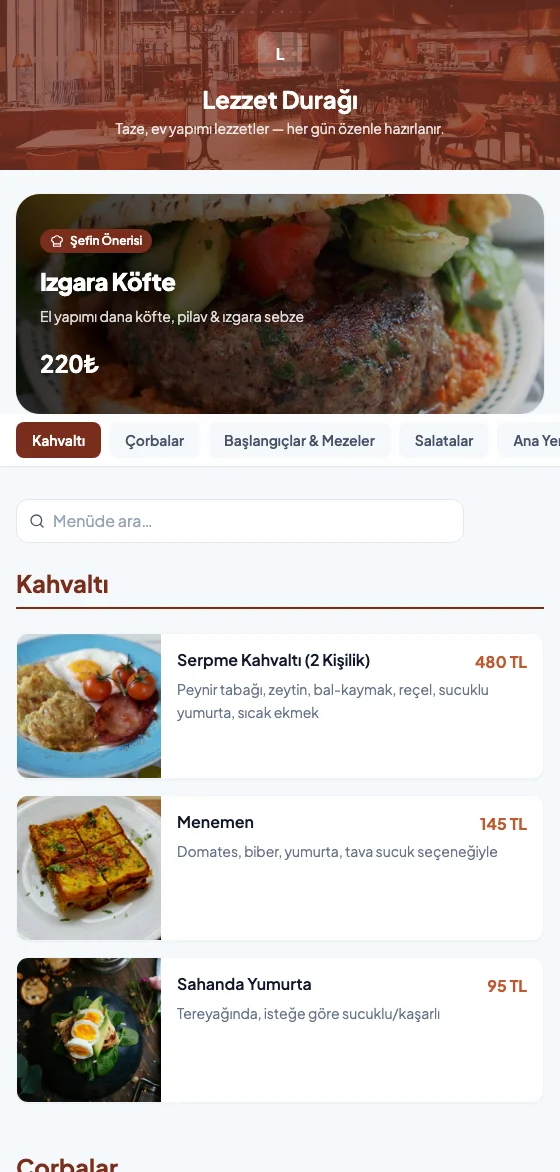
- Chef's recommendation lifts an item to the top of the menu, and the customer side has item search and category filters.
- PDF menu export, table QR codes and a custom domain come in on the higher plans.
Ordering channels
- Ordering over WhatsApp: the customer builds a basket from the menu and sends it as a prepared message to the business's line, with no extra app or integration cost.
- A live order panel: orders from the table land in the panel instantly and are managed with status tracking.
- Table-level QR codes identify which table an order came from.
- Customer feedback and a Google review link connect the menu experience to collecting reviews.
- View statistics show the menu's daily traffic and order count in the panel.
Architecture
- The front end was built as a React single-page application; the marketing site, the customer menu and the admin panel all live inside the same application.
- The data layer talks to API endpoints under the same domain: authentication, business, category, item, plan and statistics endpoints are each defined separately.
- The application runs on Vercel, with static assets from the edge and data endpoints executing per request.
- Menu pages were built mobile-first, since everyone scanning a QR code arrives on a phone, and can be added to the home screen through a PWA manifest.
Result
Getting a menu into the system stopped being an evening's work: the file is uploaded, the AI extracts it, the business corrects and publishes. The subscription side runs itself: the trial starts, the period ends, payment is taken through PayTR or the account drops to Free; and plan limits apply by the same rule on every screen of the product.